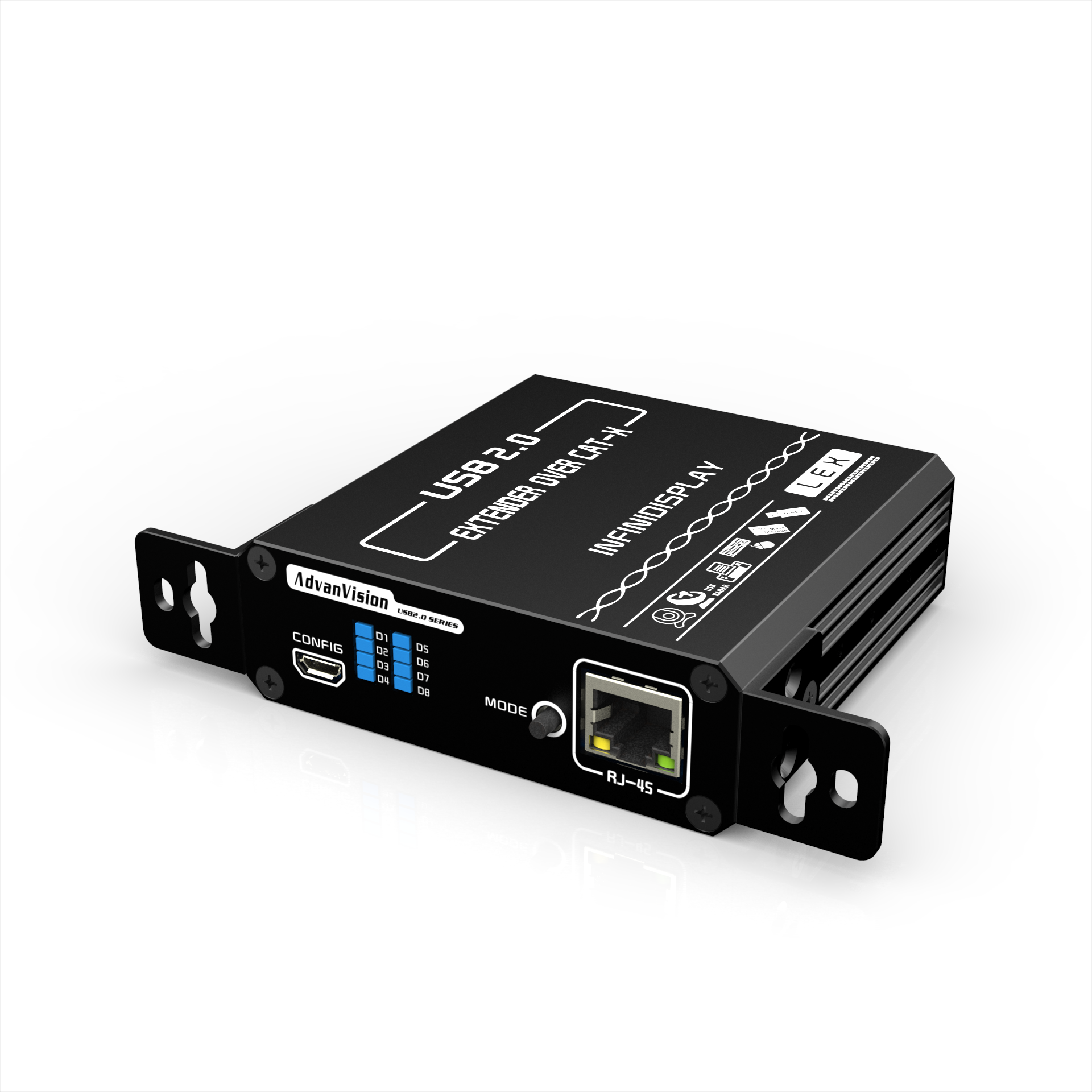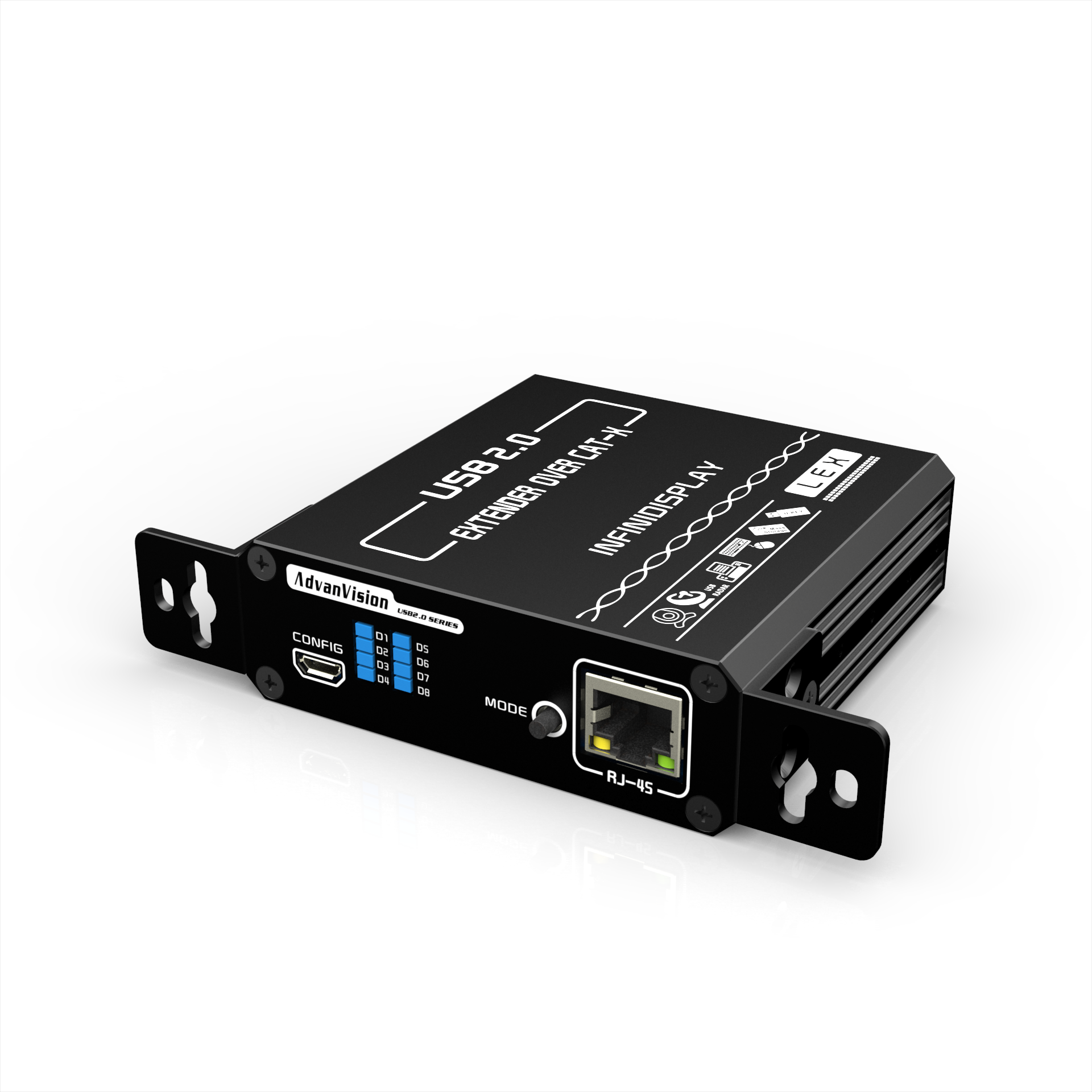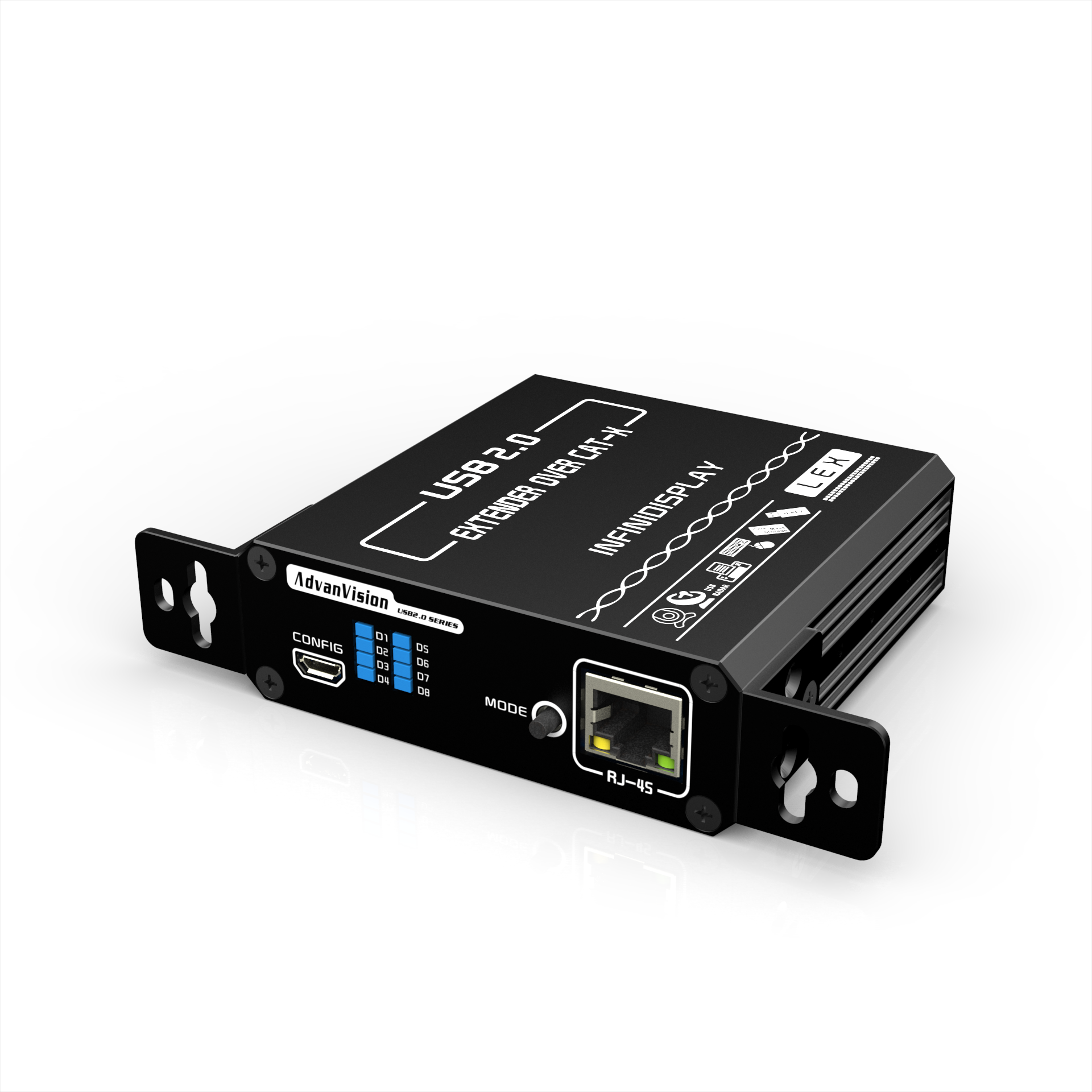
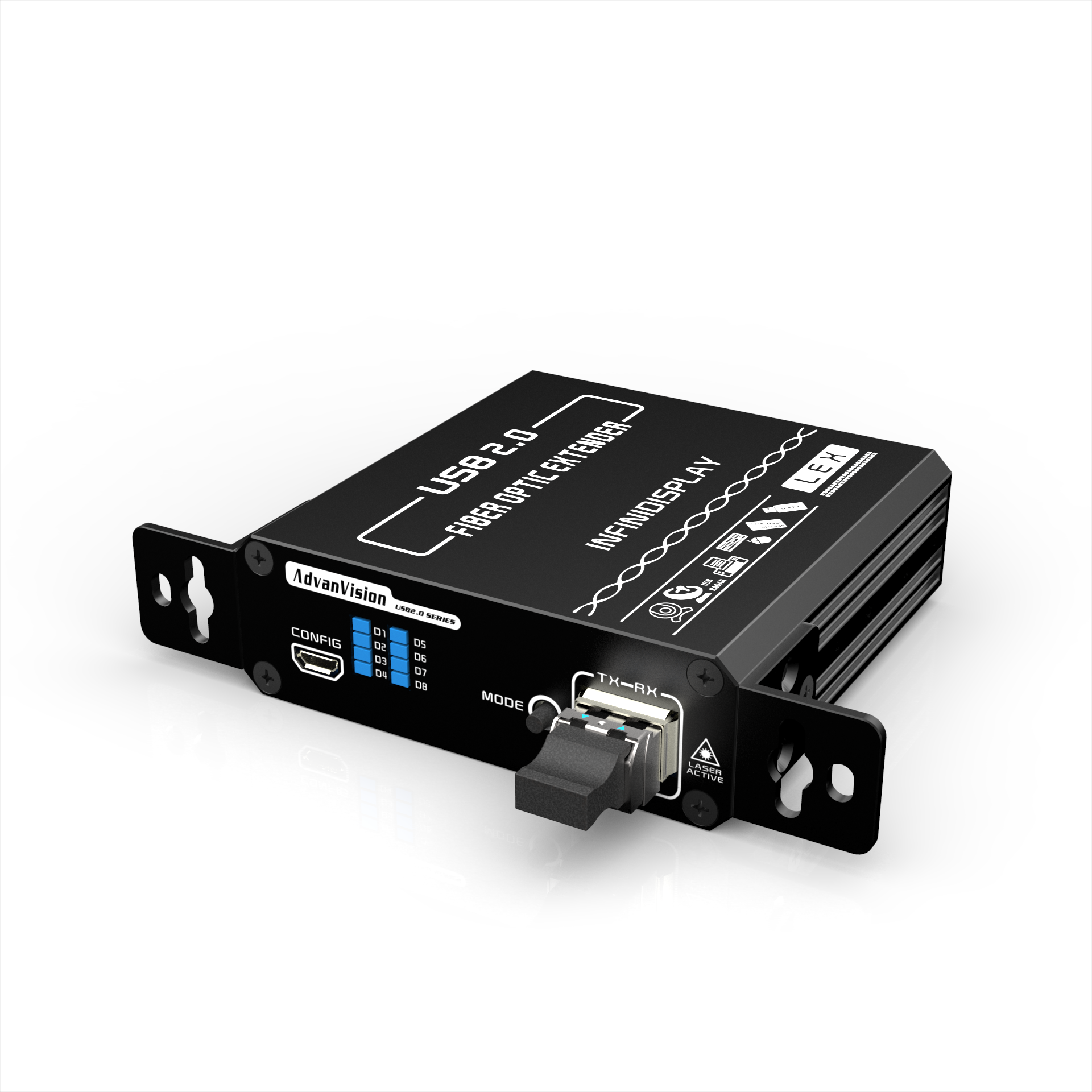
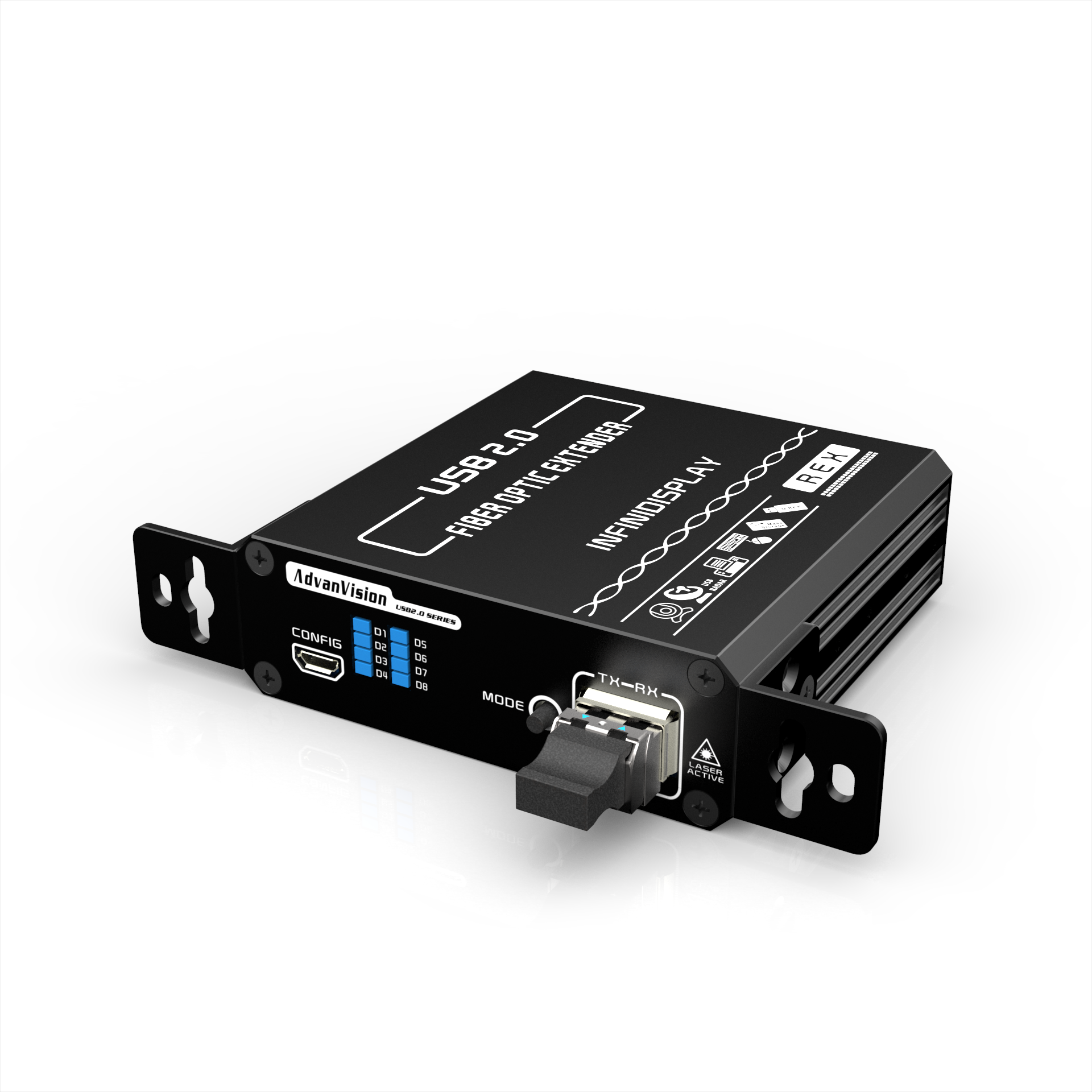
USB2.0 P2P LAN Fiber Optic Extender
※ | Compliant with USB2.0/1.0/1.1 Specification |
※ | Up to 480Mbps data rate; USB 1.1 is supported |
※ | Supports all operating systems: Windows®, Mac OS X® and Linux® |
※ | Based on IEEE 802.3 1000BASE‑SX and TCP/IP protocols |
※ | IP address, subnet mask, gateway and DHCP can be configured |
※ | Built‑in 4‑port USB2.0 HUB, |
| ※ | Up to 550 m transmission distance with MMF |
※ | Supports BIOS setup access and remote USB disk boot‑up |
※ | Supports USB input peripherals such as USB touch screens, |
| USB graphic tablets, USB mice and USB keyboards; | |
※ | Supports USB2.0 flash drives, portable hard drives, etc. |
| ※ | Supports Bank U-KEY and other high‑security U-KEY devices |
| ※ | Supports USB2.0 cameras, USB2.0 sound cards, USB2.0 headsets; |
| ※ | Supports USB scanners, USB printers and USB optical drives |
※ | On‑board ESD protection IC to eliminate electrostatic interference |
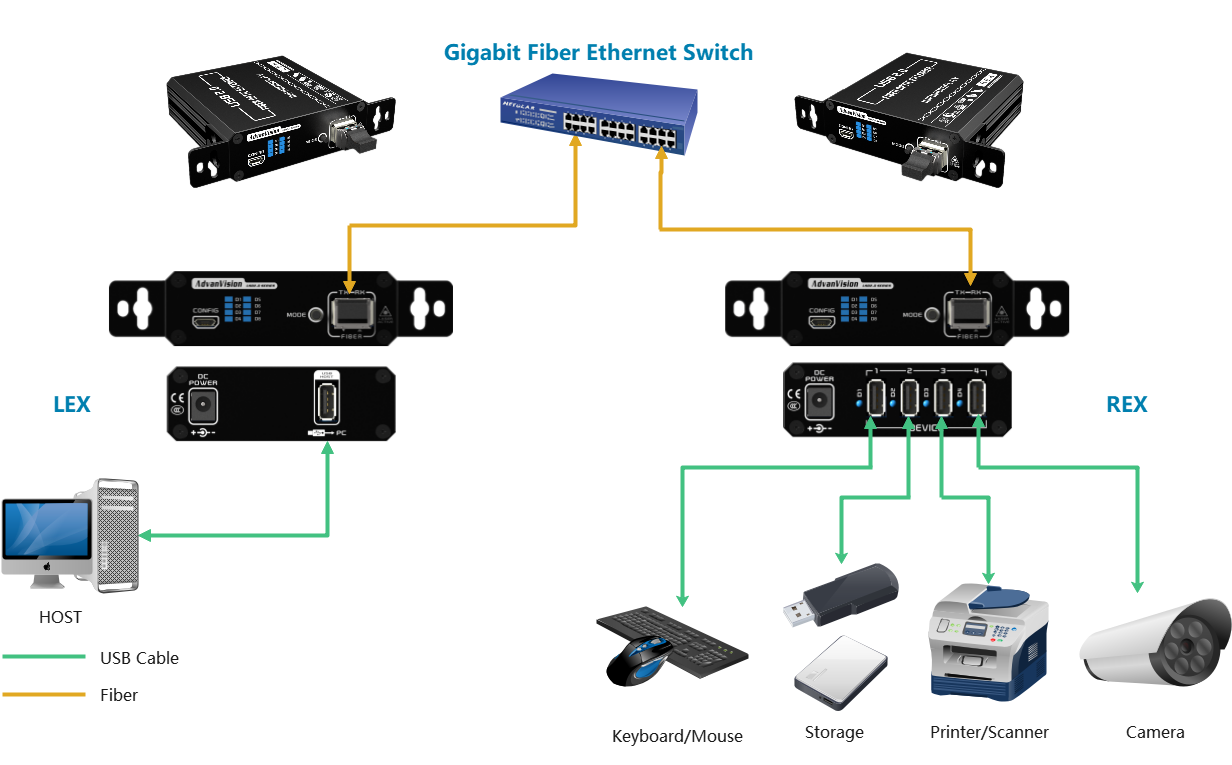
The UFE‑2460 High‑Speed USB2.0 Extender consists of a Local Unit (LEX) and a Remote Unit (REX). It delivers high‑speed and stable IP‑based point‑to‑point long‑distance USB2.0 extension. Compliant with IEEE 802.3 1000BASE‑SX and TCP/IP protocols, it transmits data through a Gigabit Ethernet Fiber Switch to overcome the short‑distance limitation of copper cables. When deployed with multimode fiber, it supports transmission distances up to 500 meters and achieves USB2.0 data throughput up to 480 Mbps. No driver installation is required, offering a true plug‑and‑play solution.
The Remote Unit (REX) integrates one built‑in High‑Speed USB2.0 HUB with four USB2.0 High‑Speed ports. Each port provides 500 mA output current; port current can reach 1 A for the custom version. Featuring proprietary technology, the UFE‑2460 provides backward compatibility with USB1.1. It supports BIOS setup access and remote USB disk boot‑up. It is compatible with high‑speed webcams, USB security tokens, USB2.0 cameras, digital cameras, printers, USB scanners, touch screens, game controllers and other USB devices, ensuring excellent compatibility as well as stable and reliable performance.
Protocol | USB2.0,USB1.1,USB1.0;IEEE 802.3 1000BASE‑SX and TCP/IP protocols |
Maximum Speed | 480Mbps Half‑duplex |
Transmission Mode | IP‑based P2P point‑to‑point transmission; Networking transmission is available via Gigabit Ethernet Fiber Switch |
Connections | |
LEX Local Unit | Up Port:1x USB2.0 Type‑A Female |
| REX Remote Unit | Down Ports:4x USB2.0 Type‑A Female |
Fiber Interface | 1x SFP Port |
| Transmission Wavelength | 850nm |
| Optic Transceiver Rate | 1.25Gbps |
Fiber Cable | |
Fiber Type / Transmission Distance | 50/125μ multimode fiber: ≤300 m |
REX Down Port Power Supply Capacity | |
Standard Version | Total peripheral current: ≤1A; Single‑port current: 500mA |
Custom Version | Total peripheral current: ≤4A; Single‑port current: 900mA |
Mechanical Characteristics | |
Material | High‑strength aluminum alloy housing |
Dimensions (W x D x H) | 88.8 mm (without mounting ears) × 85 mm × 29 mm 131.8 mm (without mounting ears) × 85 mm × 29 mm |
Weight | LEX: 450g REX: 450g |
Environmental Requirements | |
Operating Temperature | 0° C to +50° C |
Storage Temperature | -40°C to +85°C |
Operating Humidity | 5% to 80% (non‑condensing) |
Storage Humidity | 5% to 95% (non‑condensing) |
Power & Power Consumption | |
| LEX Unit | Powered by USB2.0 port, no external power adapter required |
REX Unit | Standard Version Input: 100‑240VAC / 50‑60Hz, 0.2AOutput: DC 5V, 2.0A, 5/2.5 mm jack Custom Version Input: 100‑240VAC / 50‑60Hz, 0.2AOutput: DC 5V, 5.0A, 5/2.5 mm jack |
Power Consumption | LEX: 3 W(Max) REX: 3.5W(Max) |
Warranty | |
Limited Warranty | 2‑year warranty with long‑term repair service |
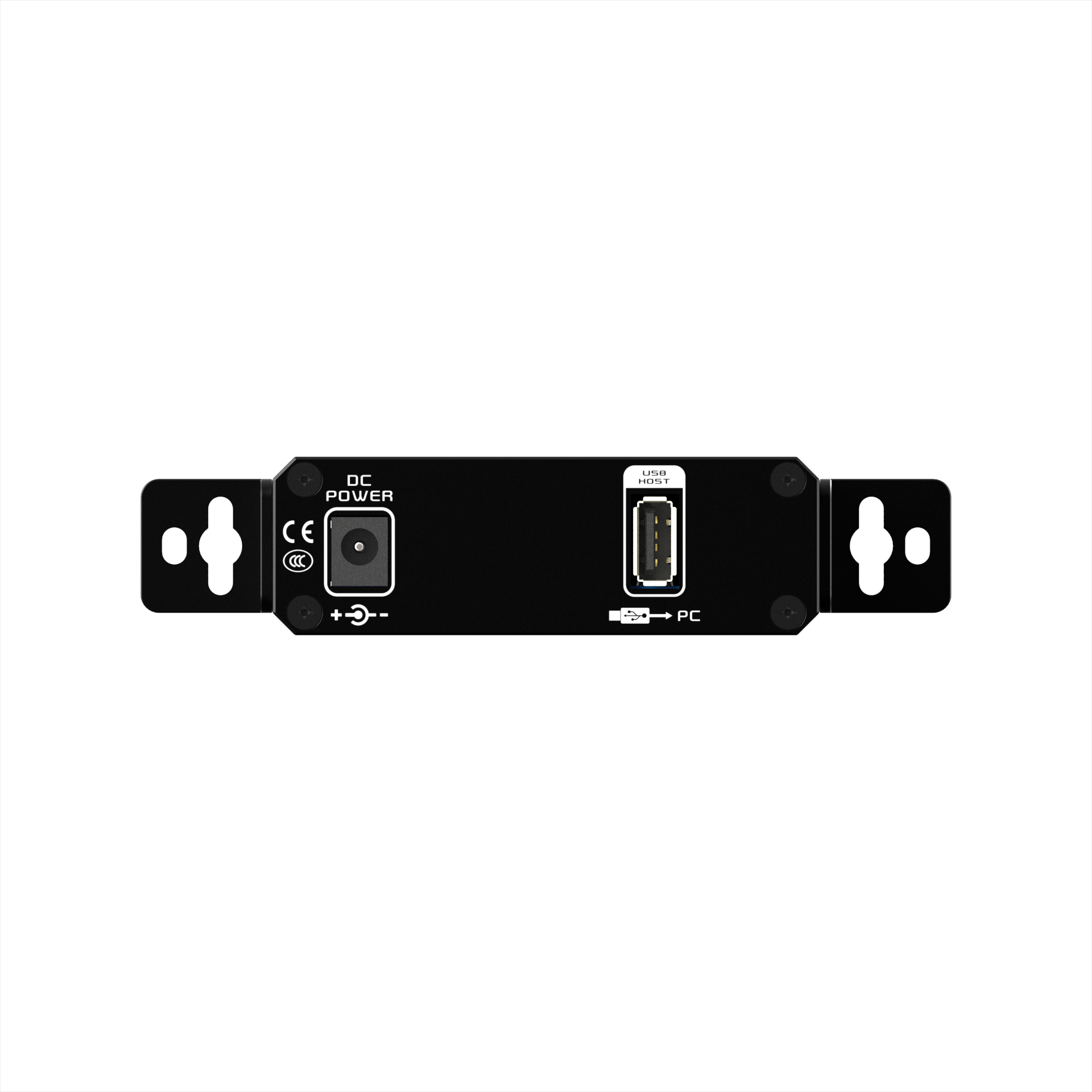
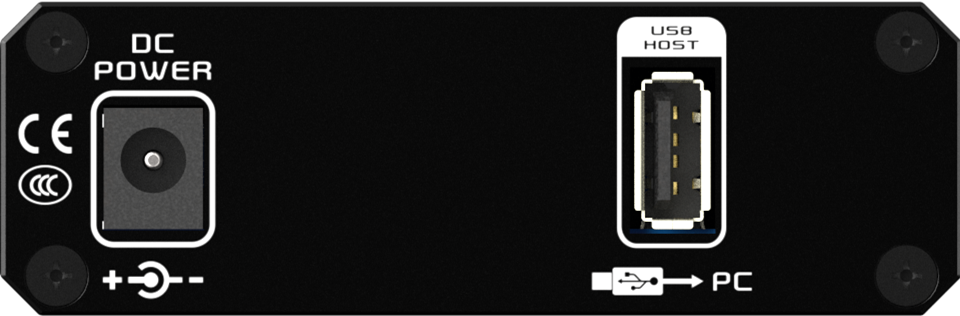
LEX unit
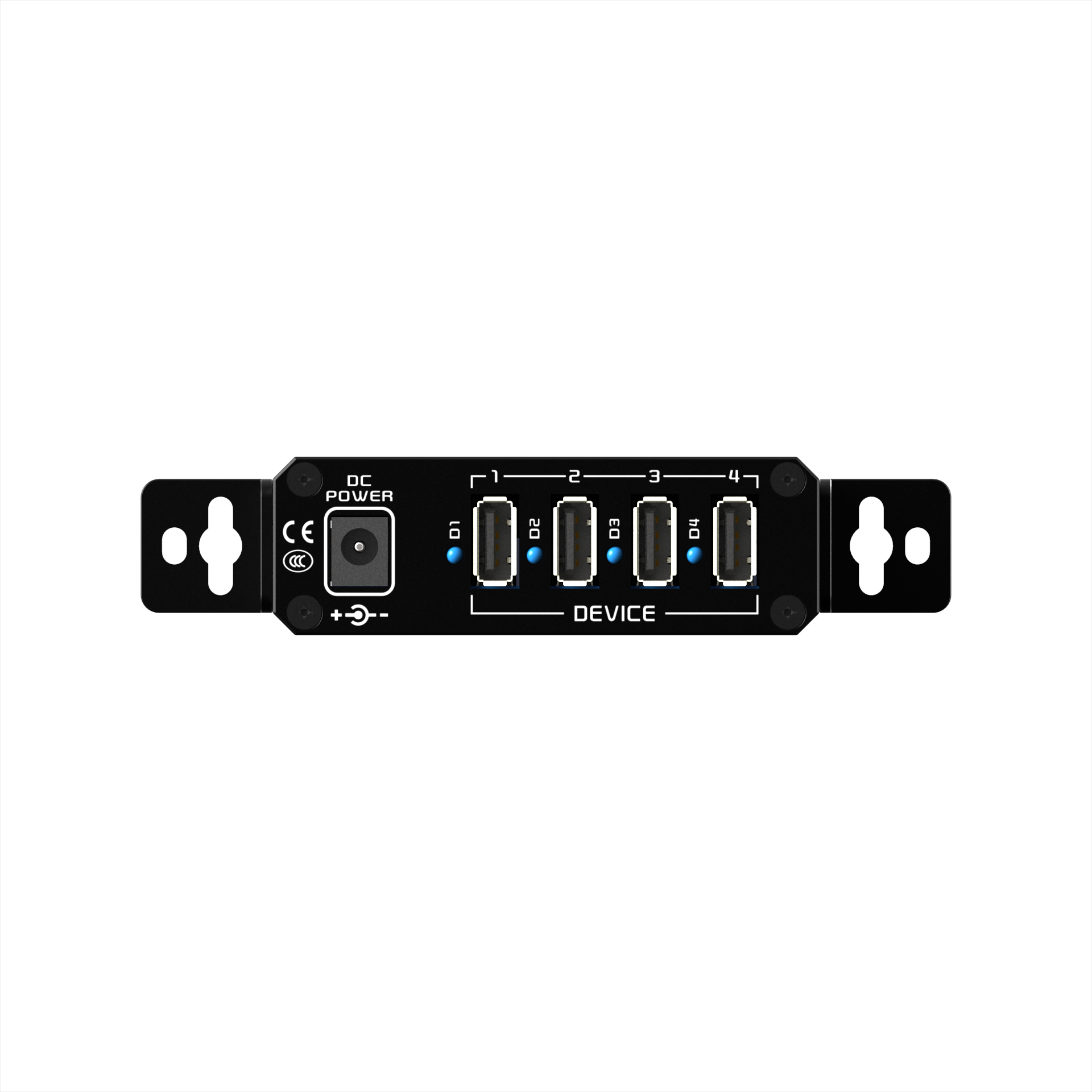
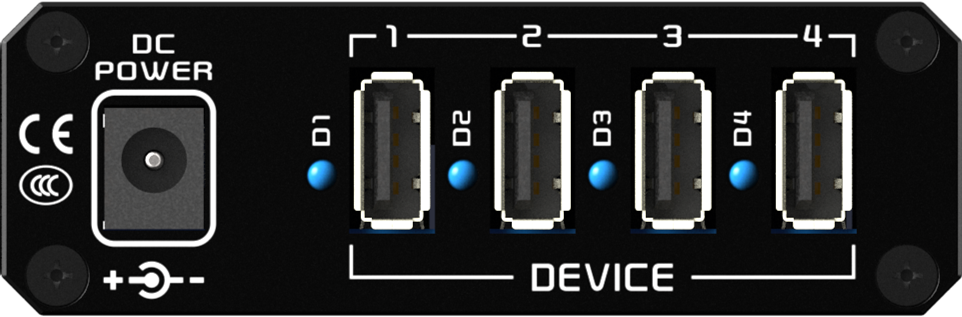
REX unit
PORT | LEX | REX | |
USB3.1 HOST | Connect to host PC USB2.0 port | ||
DEVICE | Down‑ports: Connect to USB2.0 peripherals | ||
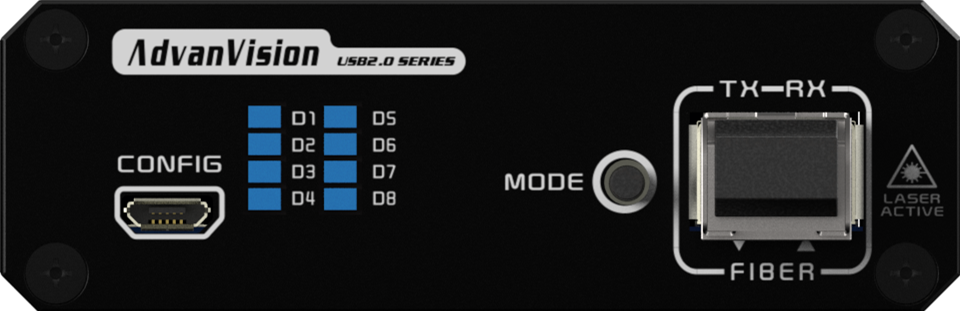
CONFIG | For LEX / REX pairing configuration | For LEX / REX pairing configuration | |
MODE | Reserved | Reserved | |
POWER | Power adapter socket | Power adapter socket | |
FIBER | SFP Module cage | SFP Module cage | |
LED indicator | |||
D1 | LINK | ON : Normal connection between LEX and REX OFF: Connection failure between LEX and REX | ON : Normal connection between LEX and REX OFF: Connection failure between LEX and REX |
D2 | ACT | ON : Connected, no data transmission BLK: Data communication in progress | ON : Connected, no data transmission BLK: Data communication in progress |
D3 | HOST | ON : LEX properly connected to host PC OFF: LEX not connected to host PC | Reserved |
D4 | SUSPEND | Reserved | ON: REX connected to PC host, active status OFF: REX in suspend status |
D5 | FIBER LINK | ON : Fiber link normal OFF: Fiber link interruption BLK: Data communication in progress | ON : Fiber link normal OFF: Fiber link interruption BLK: Data communication in progress |
D6 | LOS | OFF: The input optical power is normal ON : Los of optical signal | OFF: The input optical power is normal ON : Los of optical signal |
D7 | CHECK | ON : Normal system operational status OFF: System operational fault detected | ON : Normal system operational status OFF: System operational fault detected |
D8 | POWER | ON:Device powered‑on normally OFF: No power supply to device | ON:Device powered‑on normally OFF: No power supply to device |
※ Seat Collaboration Manage System | ※ LED signboards in streets and in stadiums | ※ Factory assembly line |
※ Remote monitor for traffic | ※ Ultra‑High‑Voltage inspection & monitoring | ※ TV Broadcast Station |
※ Industrial, military control | ※ Astrophotography cameras | ※ LCD, Projector, Plasma display |
※ Airplane On-board Video System | ※ High‑speed signal acquisition cards | ※ Conference Room Video Equipment |
※ Passenger Information System | ※ Medical Imaging Equipment | ※ Home Theater |
The USB2.0 Fiber Optic Extender ships with the items listed below. If any of these items are not present in the box when you first open it,immediately contact your dealer or Smartopcom.
※ 1 x UFE-2460L (LEX)
※ 1 x UFE-2460R (REX)
※ 1 x 1.5m Male A to Male A USB2.0 cable
※ 1 x 5V/2A DC Power adapter
※ 1 x Datasheet